
 Home & Living
 Kitchen & Dining
 Gardening & Outdoors
 Home Organization
 Smart Home
 Home DIY
 Sustainable Living
 Daily Living Tips
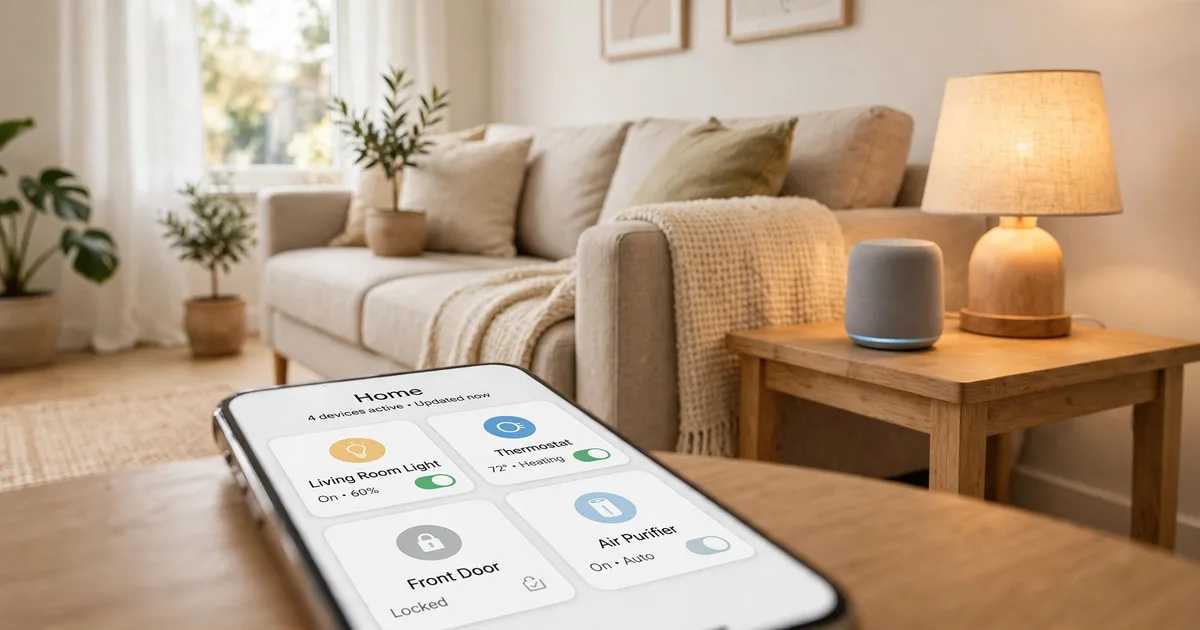
Smart Home for Beginners: What It Is, How It Works and How to Start
You leave the house and wonder if you locked the door. The lights are still on in an empty room, and the thermostat is heating a place nobody’s in. A smart home for beginners solves exactly these small, daily annoyances, and you don’t need to rewire anything or spend thousands to do it. A smart home is simply everyday devices (lights, plugs, locks, thermostats) connected to your network so you can control them from your phone, your voice, or a schedule. This guide covers how it all works, what to buy first, and the mistakes that cause most beginner headaches.
Quick Answer
- A smart home is a set of connected devices you control through one app or voice assistant.
- To start, you need Wi-Fi, a smartphone, and one or two cheap devices, like a smart plug or smart bulbs.
- Pick one ecosystem (Apple, Google, or Amazon) so your devices work together.
- Begin with a budget of roughly $30-$100 and add pieces only when they solve a real problem.
- Anything that involves hardwiring (switches, some thermostats) is a job for a licensed electrician if you’re not experienced.
What Is a Smart Home?
A smart home is a home where devices can be controlled remotely and can follow rules you set. “Turn on the porch light at sunset” and “lower the heat when everyone’s out” are typical rules.
Think of it in three levels:
- Remote control: You turn something on or off from your phone.
- Scheduling: Devices follow a timetable.
- Automation: Devices react to something, like motion, your location, or the time of day.
Most people start at level one and slowly move up. You don’t have to automate everything to get value.
How a Smart Home Works
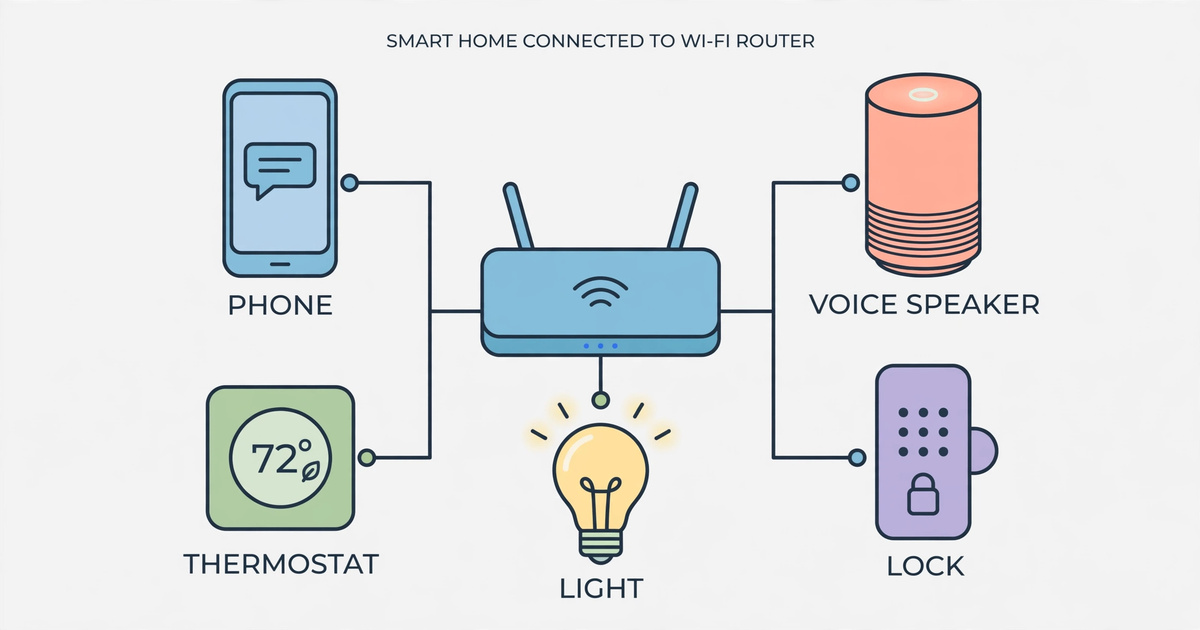
Every smart home, no matter how big, has the same four parts.
- Devices. These are the bulbs, plugs, locks, cameras, and sensors that do the actual work.
- A network. Most devices connect through your home Wi-Fi. Some use other wireless languages (more on that below).
- A controller. This is the app or voice assistant that sends commands. Some systems also use a small “hub” that links devices together.
- Rules. These are the schedules and “if this, then that” automations you create.
When you say “turn off the living room lamp,” your voice assistant sends the command over your network to the smart plug, and the plug cuts power. It usually takes about a second.
The Wireless Languages Explained
You’ll see these terms on boxes. Here’s what matters for a beginner:
| Standard | What it is | Needs a hub? | Good to know |
|---|---|---|---|
| Wi-Fi | Uses your existing router | No | Easiest to start; too many Wi-Fi devices can crowd a router |
| Bluetooth | Short-range, phone to device | No | Fine for a single room; limited range |
| Zigbee / Z-Wave | Low-power mesh networks | Usually yes | Reliable for sensors and lights; each device helps relay signals |
| Thread | Newer low-power mesh | Needs a “border router” (often built into speakers or displays) | Growing support |
| Matter | A shared standard, not a radio | Depends on device | Designed so devices from different brands work together |
Matter is the one to watch. Its goal is to reduce the “will this work with my system?” problem. Support is still growing, so check each box for the compatibility logos before you buy.
What to Check Before You Buy Anything
A few minutes of planning saves you from returning half your purchases.
- Your phone. Check that it runs a recent enough operating system for the app you plan to use.
- Your Wi-Fi. Many cheap devices only use the 2.4 GHz band. If your router merges 2.4 and 5 GHz under one name, setup can occasionally fail. Temporarily separating them usually fixes it.
- Your router’s coverage. A device that drops offline is usually a Wi-Fi coverage problem, not a faulty device. If you have dead spots, a mesh Wi-Fi system (roughly $100-$300, prices vary) often helps more than any gadget.
- Renting or owning. Renters should stick with plug-in and screw-in devices, plus stick-on sensors. These need no tools and cause no damage. Always check your lease before replacing a lock or doorbell.
- Your ecosystem. Choose one main voice assistant or app family (Apple Home, Google Home, or Amazon Alexa) and look for devices that say they work with it.
The Best First Smart Home Devices
Based on specs and common owner reports, these categories are the easiest and most useful starting points. Prices are rough USD ranges and vary by retailer and season.
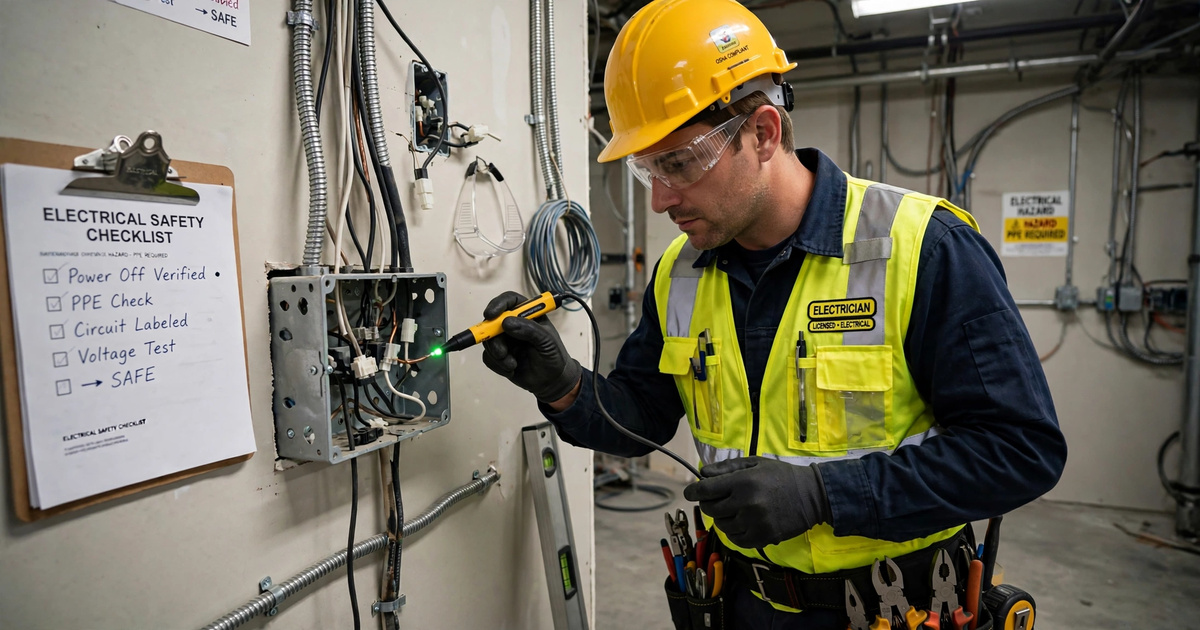
Safety first: Smart plugs and bulbs need no wiring. Smart switches, hardwired thermostats, and hardwired doorbells do. Before touching any wiring, turn off the power at the breaker, confirm it’s dead with a voltage tester, and read the manufacturer’s instructions. If you’re unsure at any point, hire a licensed electrician.
| Device | Rough cost (USD) | Difficulty | Renter-friendly? |
|---|---|---|---|
| Smart plug | $10-$25 | Very easy | Yes |
| Smart bulb | $8-$20 each | Very easy | Yes |
| Smart speaker or display | $25-$100 | Easy | Yes |
| Motion or door sensor | $15-$40 | Easy | Yes |
| Video doorbell or camera | $50-$200 | Easy to moderate | Often (battery models) |
| Smart thermostat | $90-$250 | Moderate | Sometimes; check permission |
| Smart lock | $80-$250 | Moderate | Check your lease |
Smart Plugs
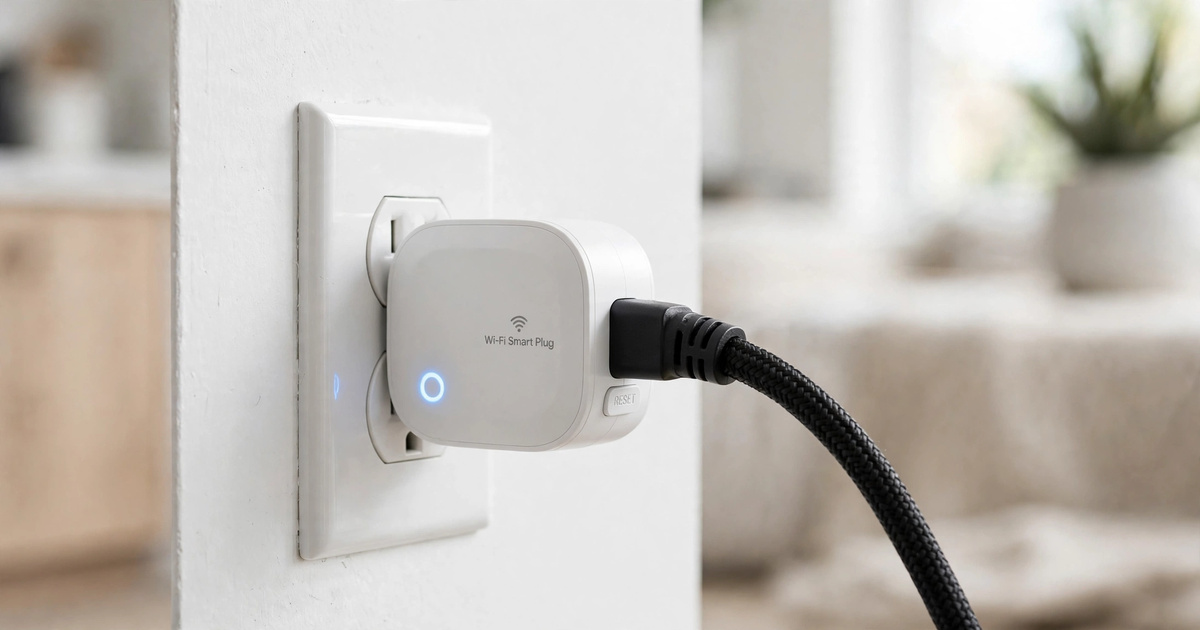
A smart plug sits between the wall outlet and a lamp, fan, or coffee maker. It makes any “dumb” device schedulable and voice-controllable. This is the cheapest, lowest-risk starting point.
Best for: Lamps, holiday lights, fans.
Practical tip: Check the plug’s maximum rating (usually printed on the plug itself, often around 10-15 amps) and never use one with high-heat appliances like space heaters unless the plug is explicitly rated for it. Heaters draw a lot of power and are a fire risk with the wrong plug.
Smart Bulbs
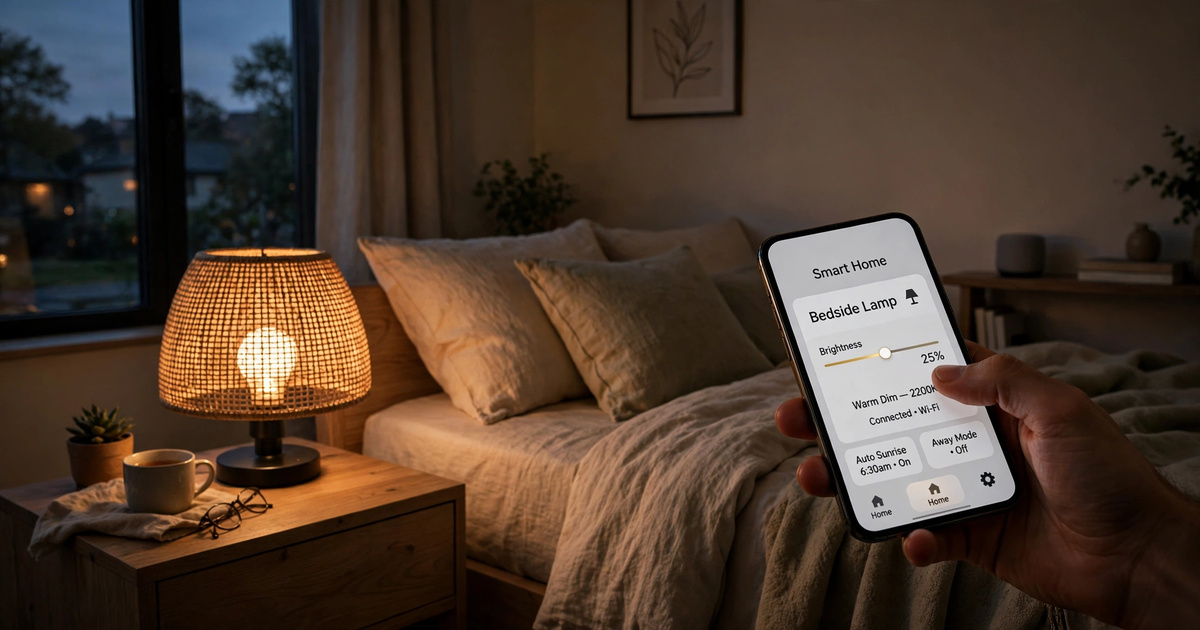
Smart bulbs let you dim, change color temperature, and set schedules. They’re the most noticeable upgrade for the money. Warm, dimmed evening lighting is also one of the easiest ways to make your home feel more cozy.
Best for: Bedrooms, living rooms, anywhere you want different moods.
Practical tip: If someone flips the wall switch off, the bulb loses power and your app can’t reach it. Tape over the switch or use a switch cover, or choose a smart switch instead.
Smart Speakers and Displays
These act as the control center for voice commands and often include a built-in hub for other devices.
Best for: Households that want hands-free control while cooking or carrying laundry.
Practical tip: If privacy matters to you, look for the physical microphone-mute button before buying.
Sensors
Door, window, and motion sensors trigger your other devices. A motion sensor in a hallway can turn on a soft night light at 2 a.m. so nobody stumbles.
Best for: Hands-free lighting, entry alerts, and families with kids or pets.
Video Doorbells and Cameras
These show who’s at the door and send alerts to your phone. Battery-powered models suit renters, since they mount without wiring.
Downside: Many have monthly subscriptions for saved video clips, so factor that into the true cost.
Smart Thermostats
A smart thermostat learns or follows your schedule and can reduce wasted heating and cooling. Savings vary a lot by home, climate, and habits, so treat any promised percentage skeptically.
Practical tip: Check compatibility with your heating and cooling system before buying. Many thermostats need a “C-wire” (a common wire for constant power), and some need an adapter. Thermostat wiring is usually low-voltage, but if you have a line-voltage system (like some baseboard heaters), you need a different, specific type of thermostat. If you’re not sure, ask an HVAC technician or electrician.
Smart Locks
Smart locks let you unlock with a code or phone and share temporary codes with guests or a dog walker.
Downside: They run on batteries, so you need a habit of checking battery levels, and you should always keep a physical key backup.
How to Start Your Smart Home: Step by Step
Here’s a simple path that avoids wasted money.
- Name your annoyance. Pick one real problem: forgetting lights, a cold house when you get home, or wanting to check the door. This keeps you from buying gadgets you won’t use.
- Choose your ecosystem. Decide between Apple, Google, or Amazon based on the phone and speakers you already own. This is the choice that matters most.
- Check your Wi-Fi. Walk around with your phone in the rooms where devices will go. Weak signal now means offline devices later.
- Buy one or two devices. A smart plug and two smart bulbs for about $30-$60 is plenty. Start small so a mistake costs little.
- Set up the app and name devices clearly. Use names you’d actually say out loud, like “Living Room Lamp,” not “Plug 1.” Clear names make voice control far less frustrating.
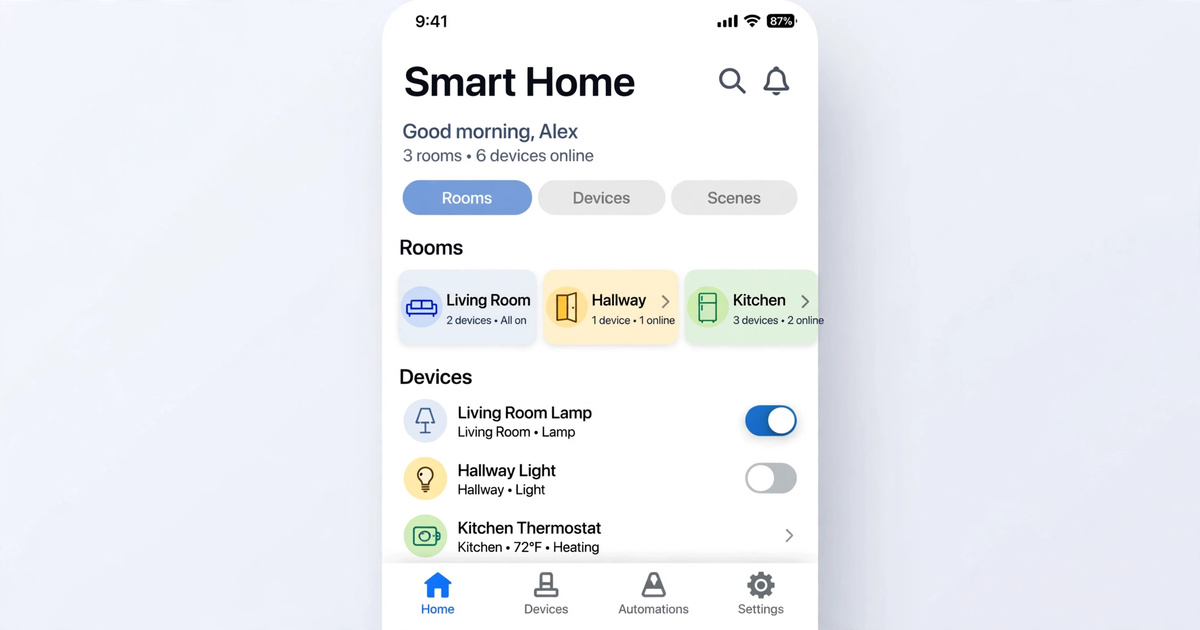
- Group devices by room. Rooms make commands like “turn off the bedroom” work.
- Create one simple routine. For example: lights on at sunset, off at 11 p.m. Live with it for a week and tweak it.
- Add more only after you use what you have. Expand slowly, one problem at a time.
Privacy and Security Basics
Connected devices are small computers, so treat them that way.
- Use a strong, unique password for your Wi-Fi and every device account.
- Turn on two-factor authentication for any app that offers it.
- Install firmware updates when prompted. They often include security fixes.
- Change default passwords on cameras right away.
- Consider putting smart devices on a separate “guest” or IoT network if your router supports it.
- Read what a camera or speaker records and where it stores data before you buy.
When to Call a Professional
Call a licensed electrician if you want to replace wall switches, install a hardwired doorbell or ceiling fixture controller, add new outlets, or deal with old or aluminum wiring. Call an HVAC technician if your thermostat wiring doesn’t match the instructions or you don’t have a C-wire. If you notice buzzing, warm outlets, scorch marks, or flickering that doesn’t stop, switch off the circuit and get it inspected. Don’t try to troubleshoot those yourself.
Common Beginner Mistakes to Avoid
- Buying across too many ecosystems. Mixed systems create juggling between apps. Check compatibility before you buy.
- Starting too big. A dozen devices in week one usually means a dozen things to troubleshoot.
- Ignoring Wi-Fi quality. Most “broken” devices are really weak-signal devices.
- Using bulbs with wall switches that get flipped. The bulb goes offline and everyone gets confused.
- Forgetting a manual backup. Keep a physical key for smart locks and know how to operate lights and thermostats manually.
- Skipping updates and passwords. This is the easiest way to leave a door open for trouble.
- Automating before you’ve lived with it. Watch how your household behaves for a week before writing complicated rules.
Smart Home for Beginners FAQ
How much does it cost to start a smart home?
You can start for roughly $30-$100 with a couple of smart plugs and bulbs, or a smart speaker. A fuller setup with a thermostat, lock, and doorbell can run several hundred dollars. Prices vary, so start with one device and add more only when it solves a real problem.
Do I need a hub for a smart home?
Not always. Wi-Fi devices work without one. A hub becomes useful if you use Zigbee, Z-Wave, or Thread devices, or if you want many devices to work together reliably. Many smart speakers and displays already include hub functions, so check yours before buying one.
Will smart devices work without internet?
Some basic functions may work locally, but many features need internet access, especially remote control and voice commands. Devices that support local control or Matter often keep working during an outage. Check the box or manual to see what works offline.
Can renters set up a smart home?
Yes. Plug-in smart plugs, screw-in bulbs, speakers, stick-on sensors, and battery-powered cameras need no permanent changes. Avoid replacing locks, switches, or thermostats unless your landlord approves, and keep original parts so you can restore them when you move.
Are smart homes safe from hackers?
No connected device is risk-free, but good habits reduce the risk a lot. Use strong, unique passwords, enable two-factor authentication, update firmware, and avoid very cheap no-name devices that may not get security updates. A separate network for smart devices adds another layer.
Which is better: Alexa, Google Home, or Apple Home?
None is best for everyone. Choose based on the phone and devices you already use. Apple fits iPhone households, Google works well with Android and search, and Amazon supports a very wide range of devices. The best choice is the one your household will actually use.
Start Small, Then Build
The best smart home for beginners is a small one that fixes a real annoyance. Pick one problem, choose one ecosystem, and buy a single plug or a pair of bulbs. Live with it for a week, then decide what to add next. Before your next purchase, check your Wi-Fi coverage by walking through each room with your phone, since a strong signal makes every device you add work better.
Join our Telegram to get all the updates.

Comments (0)
Be the first to comment.